
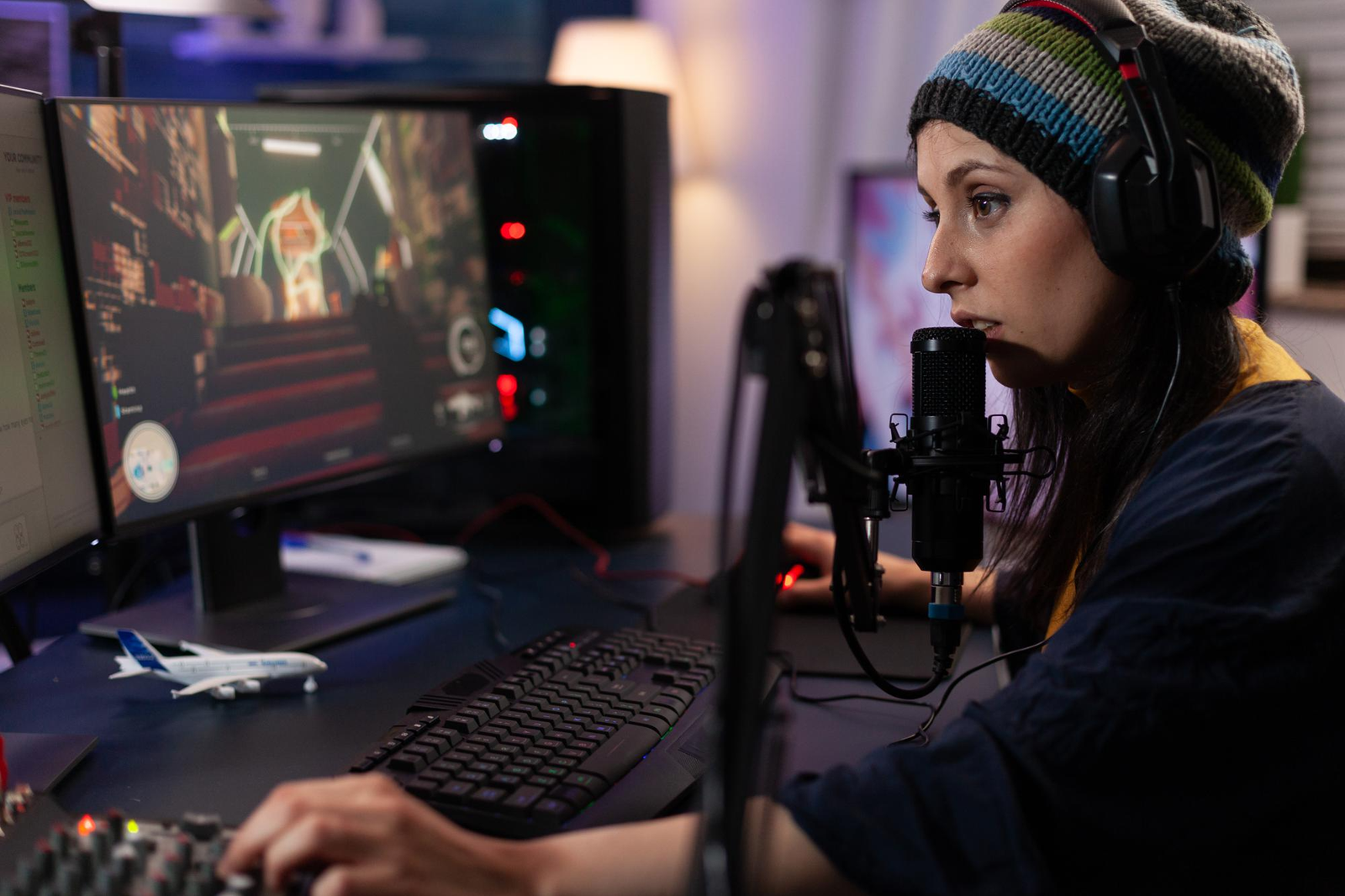
Streaming games has long ceased to be something difficult and “for the elite.” Today, any player can press a couple of buttons and broadcast to an audience from all over the world. The truth is that streaming is nothing more than a live stream of your game, during which viewers can not only watch your game but also communicate and even learn.
Why is Rainbow Six Siege the game to stream? It’s simple: this is a dynamic tactical shooter where each round is a different story. Tense moments, unexpected clutches, team play – the audience is really interested in watching it.
This topic is suitable for several types of people at once:
- beginners who want to try their hand at streaming;
- players who want to share their gameplay;
- esports fans watching the Siege scene.
If you have ever caught yourself thinking, “What if I tried streaming?” this is a good moment to start.
What you need to stream Rainbow Six Siege
Before starting, you don’t need to buy a studio for thousands of euros. A basic set is enough.
Main:
- PC or console (PlayStation / Xbox);
- stable Internet;
- accounts and access to the game.
If you’re just starting, having one of the ready-to-use R6 accounts can actually save time – especially if you don’t want to grind from scratch and prefer jumping straight into ranked matches or more competitive gameplay. For streaming, this can make your content more engaging from the very beginning.
Internet
The key point is upload speed. Minimum: 5 Mbps. Comfortable: 10+ Mbps. In case of weak Internet, the stream will be slow, and viewers will soon move away.
Software
You will need:
- OBS Studio is a free streaming software;
- Twitch is the most popular platform for streamers;
- YouTube is good for streaming and recording.
This is sufficient to start at no additional expense.
How to stream Rainbow Six Siege (step-by-step)
Now to practice. Everything is easier than it seems.
Step 1. Install streaming software
Download OBS Studio and install it. This is the main tool through which the broadcast will go.
Step 2. Connect your platform
Go to the OBS settings and connect your Twitch or YouTube account. This is usually done through a Stream Key or authorization.
Step 3. Set up scenes and overlays
Add a “Game Capture” source for OBS to capture Rainbow Six Siege.
You can add a webcam, donations, or a chat, but this is optional.
Step 4. Optimize settings
Put it down:
- 720p or 1080p;
- 3-60 FPS;
- The bitrate is approximately 4000-6000.
When the computer is not so powerful, the settings should be reduced as compared to avoid streaming with lags.
Step 5. Go live
You click “Start Streaming” and you’re already on the air.
Best platforms to stream Rainbow Six Siege
Choosing a platform is half the success.
Twitch
Positive:
- a huge audience of gamers;
- convenient chat;
- and a well-developed donation system.
Minuses:
- high competition;
- the best option to start.
YouTube
Positive:
- streams are saved as videos;
- they are easier to promote through search;
- they can be combined with content.
Minuses:
- less engagement in live.
Kick
Positive:
- less competition;
- and more favorable conditions for streamers.
Minuses:
- a smaller audience;
- an interesting option if you want to stand out faster.
Tips to get more viewers
Launching a stream is easy. But gathering the audience is already a task.
That’s what really works:
- stream regularly. Better 3 times a week than chaotically;
- use the right tags, for example: Rainbow Six Siege, R6, FPS, tactical shooter;
- play with your friends. A team game is always more interesting;
- chat with the chat. Even if there are 2 people there, this is already an audience;
- choose popular modes. Ranked and tournaments attract more viewers.
How to watch Rainbow Six Siege streams
If you’re not a streamer, but a viewer, there are plenty of options too.
Where to watch:
- Twitch – streamers and tournaments;
- YouTube recordings and live videos;
- Kick – new streamers.
Esports events on Siege are regularly broadcast online. They are easy to find on the main pages of the platforms.
Is it free? Yes, most streams are available for free. Paid subscriptions are already streamer support, not a necessity.
Common problems and fixes
First streams rarely go perfectly, and that’s okay. The most common problem is lag. You play smoothly, and the audience sees the jerks. The Internet is usually to blame: there is not enough upload speed. In this case, it is better to immediately lower the bitrate and switch to 720p – the picture will become simpler, but stable.
The second pain is the FPS drawdown in Tom Clancy’s Rainbow Six Siege. When the action starts, the computer just doesn’t pull the game and stream at the same time. The banal helps here: remove the ultra settings, limit FPS, and enable hardware encoding in OBS. The difference is felt immediately.
There are often surprises with sound, too. Either the microphone is not recording, or the game is drowning out the voice. It’s better to do a short test before each stream – one minute of recording saves a lot of nerves.
Another point is the delay. The chat responds too late, and the dialogue doesn’t stick. Enable low latency on the platform and don’t overload the stream with high quality.
Well, the classic is a black screen instead of a game. This is usually treated by changing the capture source or running OBS as the administrator.
Over time, all these little things stop scaring you – you just start solving them automatically.
Is streaming Rainbow Six Siege worth it?
It is certainly worth watching Tom Clancy Rainbow Six Siege in case you are actually fond of the game itself, and not only the thought of being a streamer. Yes, there is competition, especially on major platforms, but Siege is still kept afloat by an active community and the esports scene.
This is not an overloaded niche where it is impossible to break through – on the contrary, new viewers regularly appear here who are interested in live gameplay and normal communication without pathos. It will not start growing immediately, but it will be very real as long as you stream continuously and do not give up after a week. Ultimately, it is all a matter of time: the more you are interested in playing and sharing the process yourself, the more gradually streaming begins to work with you.
